Data & AI
Power BI Ultimate Course (Data with Baraa)
Sikhami InstituteEnglish
Free
Join for free- 32 video lectures (12h 15m)
- Certificate of completion
- Ask the teacher your doubts
- Watch on the web and in the Android app
About this course
Baraa Khatib Salkini's structured Power BI course explains each idea visually: connection modes, Power Query, data modelling and DAX, with an end-to-end portfolio project. Who it's for: aspiring data analysts and business users who want to build reports in Power BI. These are the free, official videos of the "Power BI Ultimate Course" playlist from the Data with Baraa YouTube channel (youtube.com/@datawithbaraa). All videos belong to Data with Baraa; Sikhami is not affiliated with Data with Baraa and simply arranges the public playlist into a course, so you can learn one lesson at a time and keep track of your progress.
What you will learn
• What Power BI is and a one-hour crash course to get started • Import, DirectQuery and live connections, and when to use each • Power BI file types and projects (PBIX, PBIT, PBIP) • Cleaning and shaping data in Power Query • Data modelling: star schemas, relationships and row-level security • DAX: context, aggregations, iterators and visual calculations • An end-to-end data modelling portfolio project
Course content
1 section · 32 lectures · 12h 15m
1. Power BI Ultimate Course
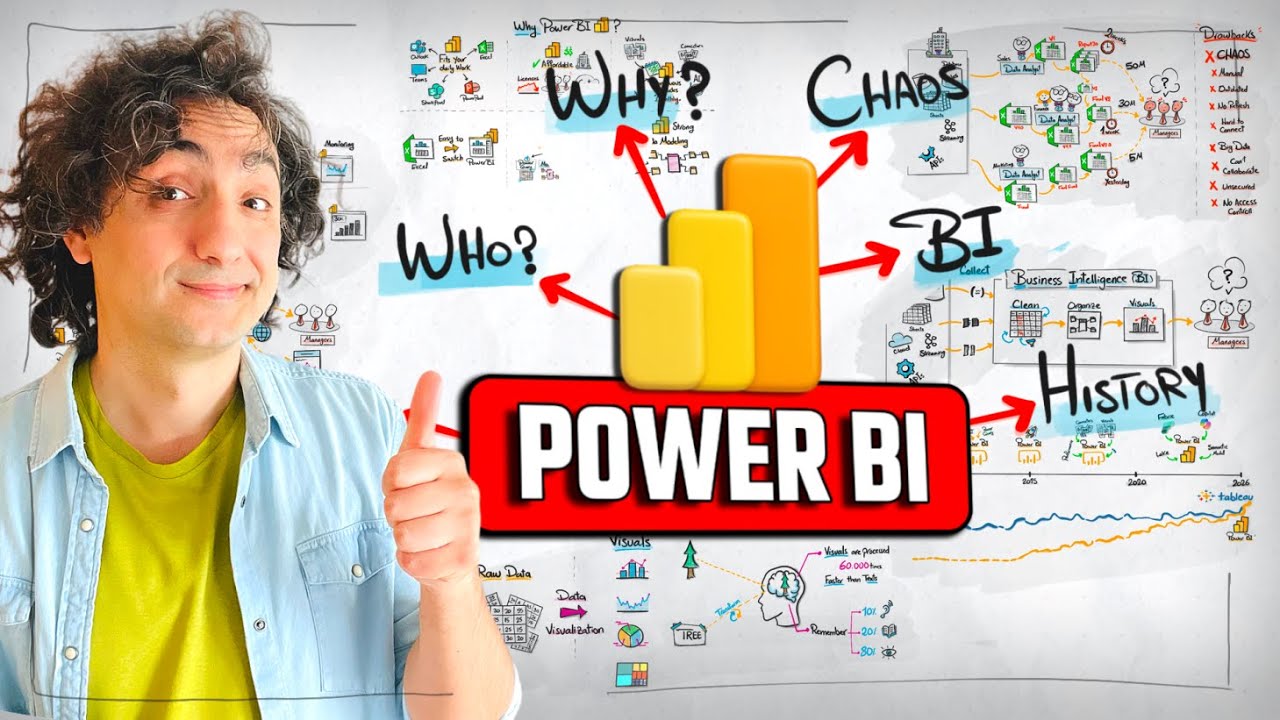
- What Is Power BI? The Full Story Visually Explained | #PowerBI Course 121m
- Learn Power BI FAST – Full Beginner Crash Course (1 Hour)45m
- Power BI Import Explained Simply (What Really Happens) | #PowerBI Course 311m
- Power BI Direct Query (Explained Visually) | #PowerBI Course 416m
- Power BI DirectQuery vs Import (How to Choose Correctly) | #PowerBI Course 512m
- Power BI LIVE Connection (Explained Visually) | #PowerBI Course 614m
- How to Choose? Import vs DirectQuery vs Live Connection in Power BI | #PowerBI Course 73m
- Power BI File Types Explained: PBIX vs PBIT (Explained Visually) | #Power BI Course 817m
- Power BI Projects: Why PBIP Files Change Everything (Explained Visually) | #Power BI Course 917m
- Power Query Tutorial for Beginners (Step by Step) | #Power BI Course 1041m
- Handle Missing Values in Power Query (Visually Explained) | #Power BI Course 1121m
- Merge vs Append Tables in Power Query (Visually Explained) | #Power BI Course 1231m
- Pivot vs Unpivot in Power Query (Visually Explained) | #Power BI Course 1312m
- How to Organize Power Query (Reference vs Duplicate) | #Power BI Course 1411m
- Why Power BI Projects Fail Without Data Modeling | #Power BI Course 1512m
- BI Data Modeling Explained: Star Schema, Snowflake & Galaxy | #Power BI Course 1615m
- Power BI Relationships Explained (Cardinality, Filter Direction) | #Power BI Course 1711m
- How to Build a Clean Star Schema in Power BI | #Power BI Course 1818m
- Power BI Ambiguous Explained (Active vs Inactive Relationships) | #Power BI Course 196m
- How to Handle One-to-One Dimensions? | #Power BI Course 205m
- Junk Dimension Explained (Clean Up Your Fact Table) | #Power BI Course 2112m
- Power BI Role-Playing Dimension (USERELATIONSHIP) | #Power BI Course 2215m
- Data Modeling Grain Explained | #Power BI Course 237m
- How to Connect Two Fact Tables (Many-to-Many) | #Power BI Course 2427m
- Power BI Row Level Security (RLS) Made Easy | #Power BI Course 2531m
- Power BI Data Modeling Portfolio Project End-to-End (Nightmare Data Model)2h 28m
- Introduction to DAX: Visually Explained | Power BI Course 2746m
- Power BI DAX Context: Filter, Row & Context Transition | Power BI Course 2832m
- DAX Aggregation Functions Explained | Power BI Course 2920m
- DAX Iterator Functions Explained (SUMX, AVERAGEX, MAXX) | Power BI Course 3013m
- DAX Visual Calculations Explained (Running Total, Month over Month) | Power BI Course 3119m
- DAX Calculated Tables Explained (SUMMARIZE, SUMMARIZECOLUMNS) | Power BI Course 3214m