Design & creative
Photoshop from Zero to Pro in Hindi (AkashKRavi)
Mandovi Digital Skills Institute1 studentsHindi
Free
Join for freeAbout this course
Adobe Photoshop from the fundamentals to advanced tools, in twenty-two lessons with practicals. Taught in Hindi. Who it's for: Beginners in design and photo editing, and students of graphic design. These are the free, official videos of the "Pro Photoshop Course - Beginner to Advanced" playlist from the AkashKRavi YouTube channel (youtube.com/@akashkravi). All videos belong to AkashKRavi. Neither Mandovi Digital Skills Institute nor Sikhami is affiliated with AkashKRavi; the public playlist is arranged here as a course, so you can learn one lesson at a time and keep track of your progress.
What you will learn
• Fundamentals: pixels, raster and vector, installing Photoshop and the workspace • Essential tools and commands • Layers, layer masks and clipping masks, and smart objects • Selections, select and mask, and cropping • Saving and exporting • The pen tool, brushes, gradients, and text and typography
This course at a glance
- Lectures
- 22 video lectures
- Video
- 10h 53m in all
- Level
- Undergraduate, Professional
- Language
- Hindi
- Access
- Lifetime access
- Certificate
- On completion
Lectures last updated October 2026
Course content
1 section · 22 lectures · 10h 53m
1. Pro Photoshop Course - Beginner to Advanced
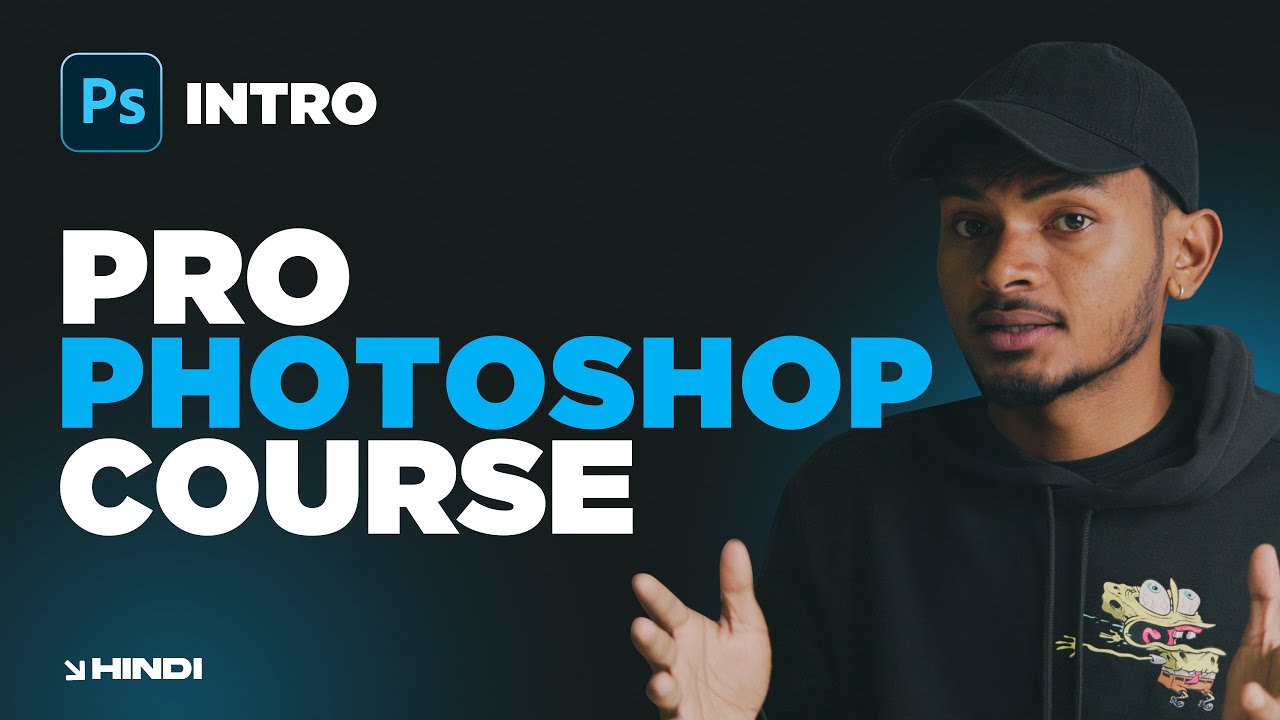
- Introduction - Zero to Pro Photoshop Course in Hindi | Class 00 #photoshop #photoshoptutorial3m
- Photoshop Fundamentals | Pixels, Raster vs Vector in Hindi | Ep 019m
- INSTALL, HOME SCREEN and CLOUD space | Adobe Photoshop in Hindi | Ep 0215m
- Photoshop Interface, Workspace and Preferences in Hindi | Ep 0320m
- New File and Open [In-depth] in Photoshop in Hindi | Ep 0421m
- SIX Essential Tools & Commands in Photoshop | Hindi | Ep 0545m
- Most detailed video about Layers in Adobe Photoshop | Hindi | Ep 0654m
- Layer Masks in-depth in Adobe Photoshop | Hindi | Ep 0748m
- Masking Essentials and Clipping Masks in Adobe Photoshop | Hindi | Ep 0816m
- Master SMART OBJECTS in Adobe Photoshop | Hindi | Ep 0931m
Show all 22 lectures
- The Right Way to Learn Photoshop & Tools Management in Hindi | Ep 1021m
- (With Practical) Basic Selections in Adobe Photoshop | Hindi | Ep1142m
- (With Practical) Advanced Selection Tools in Adobe Photoshop | Hindi | Ep 1247m
- MODIFY SELECTIONS in Adobe Photoshop | Hindi | Ep 1313m
- Everything about SELECT AND MASK in Adobe Photoshop | Hindi | Ep 1423m
- Master the CROP TOOLS in Adobe Photoshop | Hindi | Ep 1530m
- SAVING & EXPORTING in-depth Adobe Photoshop | Hindi | Ep 1631m
- PEN TOOL Basics in Adobe Photoshop | Hindi | Ep 1723m
- Master PEN TOOL in Adobe Photoshop | Hindi | Ep 1842m
- TEXTS & TYPOGRAPHY Masterclass in Photoshop | Hindi | Ep 1955m
- Master Photoshop BRUSH TOOL in 30 Minutes (Beginner Level) - Ep 20 #photoshop #brushtool32m
- [NEW] GRADIENTS Masterclass in Photoshop 2025 (Hindi)22m
How long it takes
10h 53m of video in 22 lectures. Pick a pace that suits you:
Steady
about 3 weeks
at 30 minutes a day
Regular
11 days
at 1 hour a day
Fast track
6 days
at 2 hours a day
Video time only: practice takes a little longer. Your place in every lecture is saved, so you can stop any time.
Earn a certificate
Watch every lecture, then claim a certificate of completion with your name on it.
- Its own web page and code, so a school or an employer can check it is real
- Save it as a PDF or print it
- Included with the course, at no extra cost
Who teaches it
 Mandovi Digital Skills InstitutePanaji · 2 courses · 2 learnersShort courses in digital marketing and graphic design in Altinho, Panaji, for students and small business owners.
Questions people ask
Is this course free?
Yes. Joining is free, and the lectures unlock as soon as you join. Once you join, it is yours for life.
How long is the course?
22 video lectures, 10h 53m of video in all. At an hour a day, the videos take 11 days. You learn at your own pace; there are no fixed class times.
Do I get a certificate?
Yes. When you have watched every lecture, you can claim a certificate of completion. It has its own page and code, so anyone can check that it is real. About certificates
What language is it taught in?
Hindi.
Can I learn on my phone?
Yes. Watch on the website or in the Sikhami app for Android with the same account. Your place in every lecture is saved, so you can switch between them.
Can I ask the teacher a doubt?
Yes. Ask it in the questions on the course page, or from inside any lecture while you watch. You can also keep your own notes on each lecture.
Who made these videos?
The lectures are the free, public videos of the YouTube playlist "Pro Photoshop Course - Beginner to Advanced", and they belong to their creator. Sikhami arranges them into a course, so you can learn one lecture at a time and keep track of your progress.